

File Import
Quantower
Import your trades from Quantower.
Quantower
CSV export from Quantower
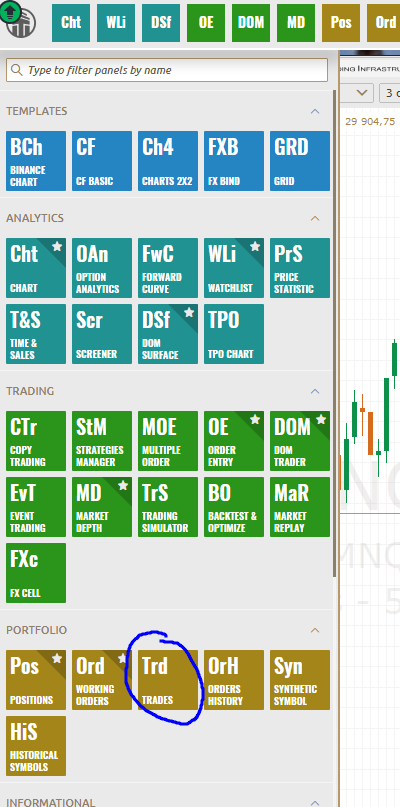
Open the Trade History window
- In Quantower, press the Trd icon in the menu to open the Trade History window
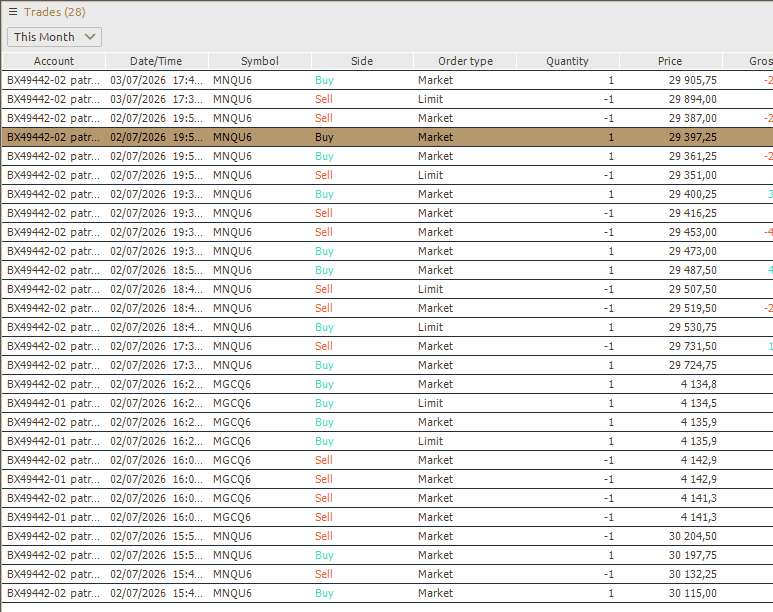
Filter the history
- Filter by number of days / months (history range) to retrieve the desired trades
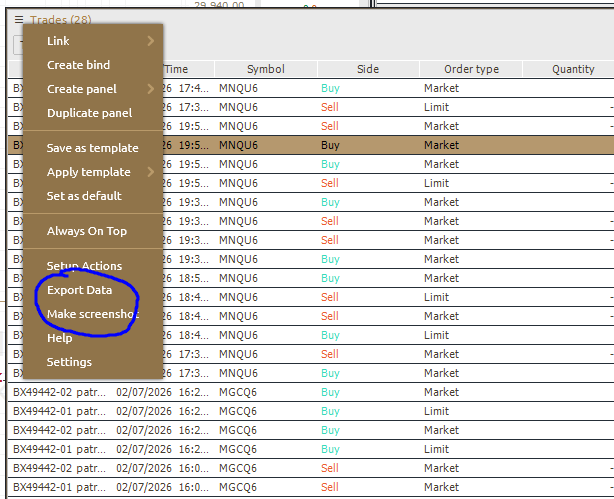
Export the data
- Open the Export Data menu
- Choose the CSV format and the required columns (symbol, side, quantity, price, time, etc.)
- Click Export to generate the file
Import into PnlTracker
- Create a profile with provider Quantower (see Create import profile)
- Once your profile is created, click the Use button, then Import